I mocked up my Jester as a final image in Procreate. This featured two layers: the lino layer, and the colour layer underneath. I saved both and uploaded them into indesign at exactly the same size, to use as guides to creating stencils and lino.
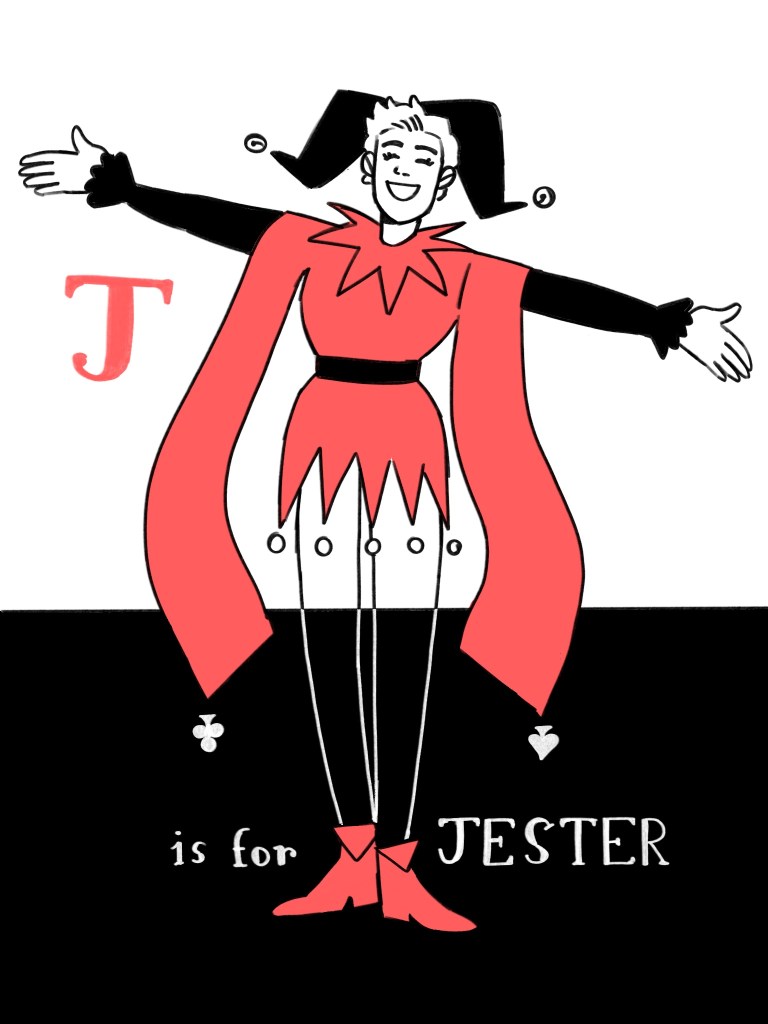
I thought carefully about bleed, and my colour layers go right to the edge of the lines to help smooth registration.
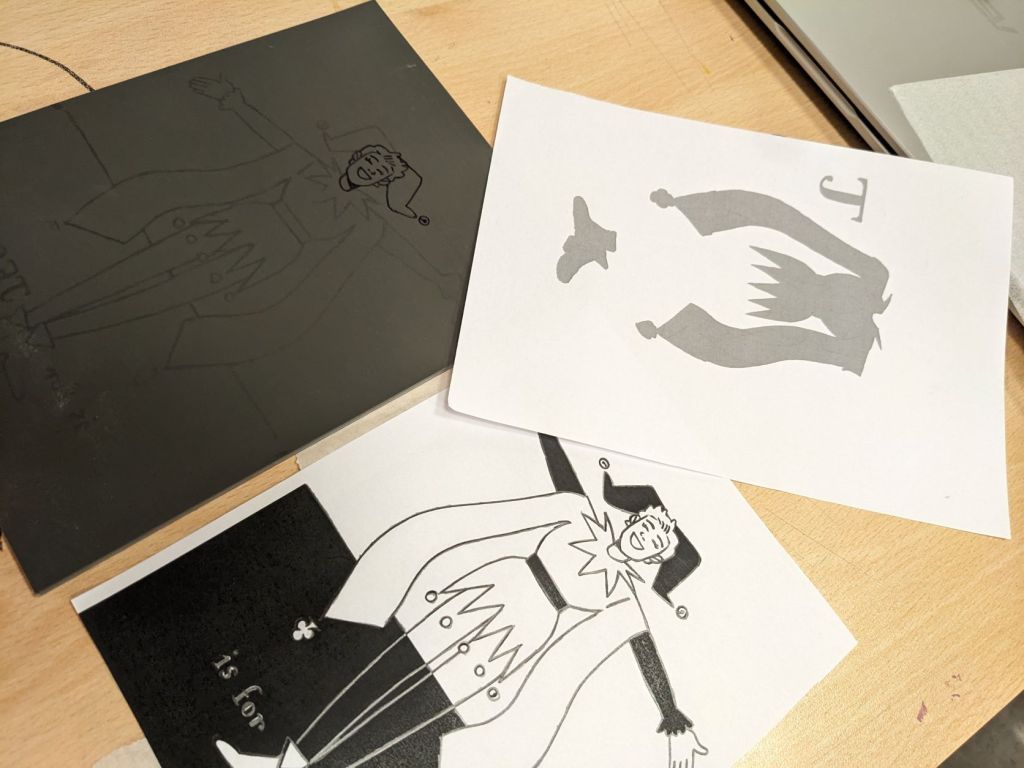
Below are process images: I used a soft pencil to outline, and then put the lino layer on some lino, and scribbled on the back, making a transfer. I then outlined this again in sharpie so that none of the lines budge while I print.
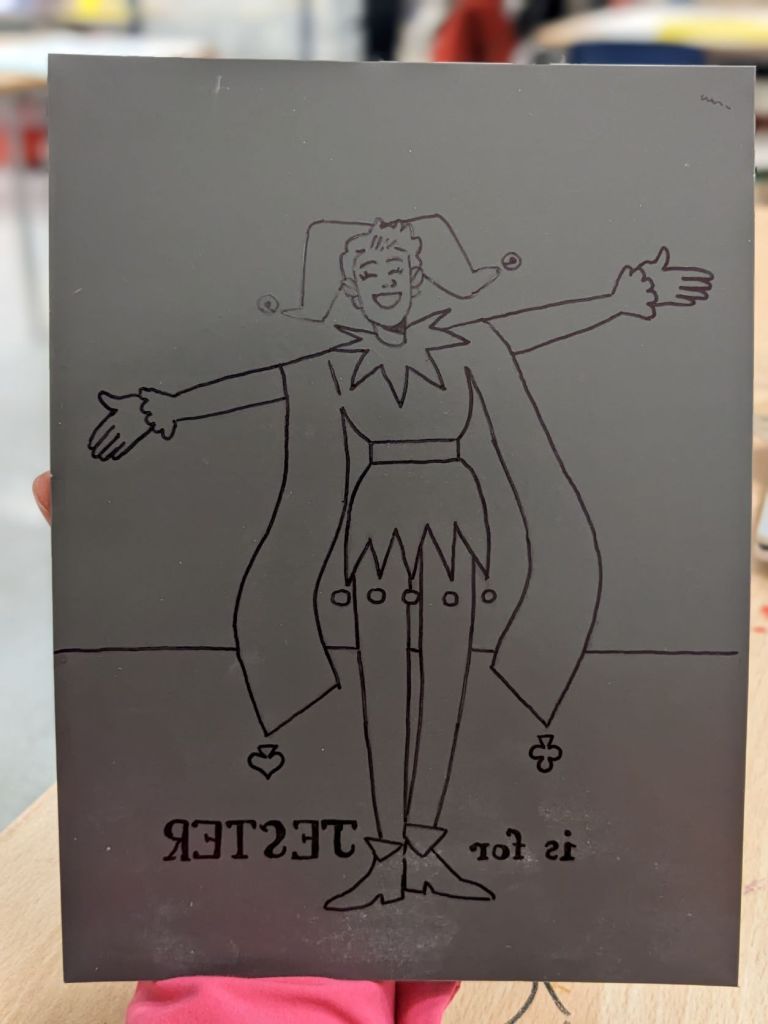
The next step is to carve it!
 SEASIDE ILLUSTRATION